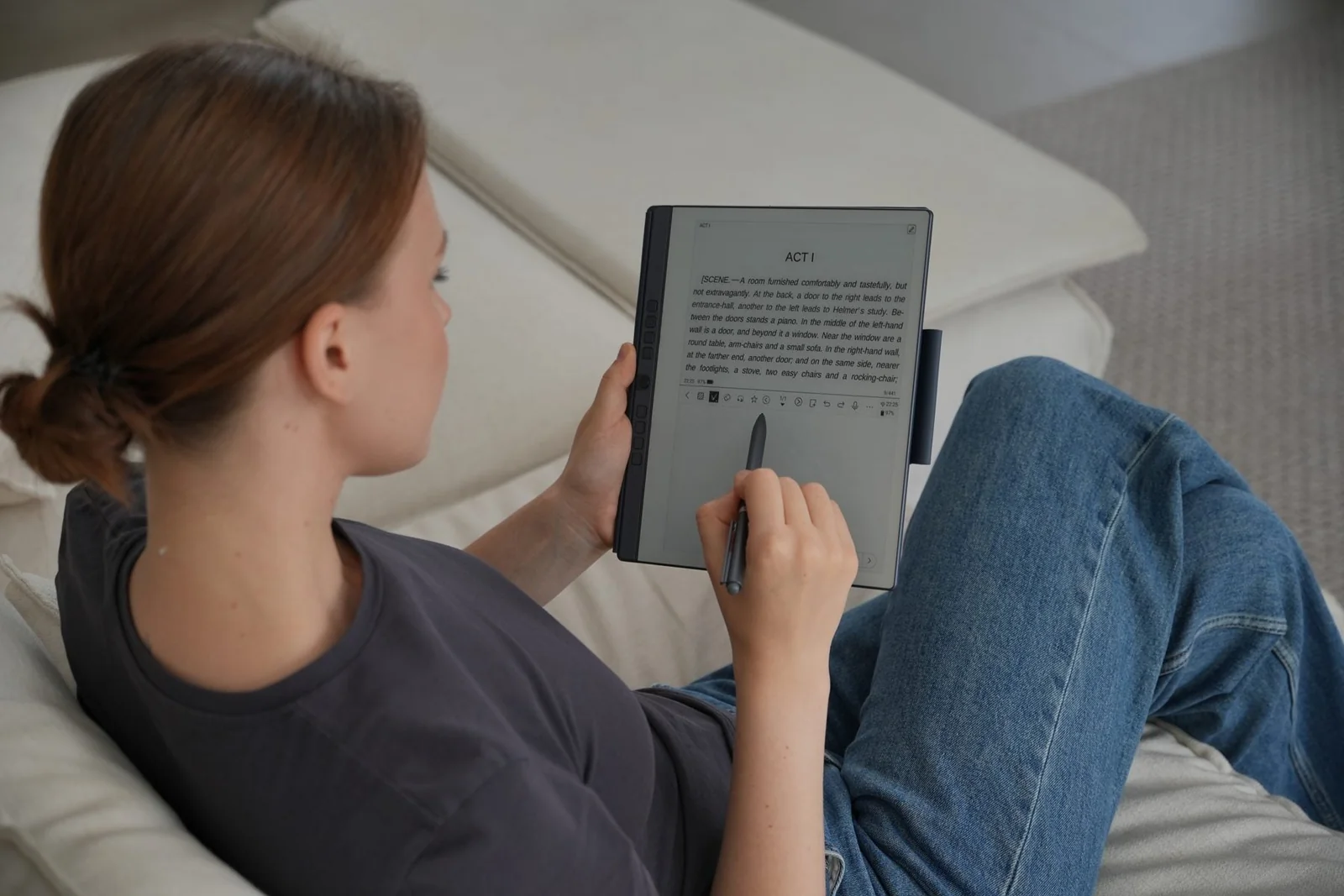
E-ink tablets promise a paper-like screen and distraction-free reading, but most buyers who try one end up missing basic things a modern tablet should do. Slow refresh rates, greyscale-only screens, and limited app support make e-ink devices feel restrictive once daily reading turns into serious studying or note-taking. An iPad still handles reading, note-taking, and studying better than any e-ink device on the market today, mainly because it does all three at once instead of forcing a trade-off between them. This guide breaks down exactly why and which iPad model fits your needs best.
Why iPad Still Wins for Reading
A Liquid Retina display gives sharper text, truer colours, and better contrast than the greyscale panels found on most e-ink tablets. This matters for textbooks, PDFs, and web articles that mix text with images, charts, or diagrams, since e-ink screens render these poorly. An iPad also runs every major reading app, including Kindle, Apple Books, and PDF readers, without the app-store limitations that many e-ink tablets have. Adjustable brightness, True Tone, and a smooth refresh rate on Pro models make long reading sessions comfortable, even at night.
iPad for Note Taking: Where E-Ink Tablets Fall Behind
Note-taking is where the gap becomes obvious. Apple Pencil Pro pairs with the iPad Air and iPad Pro for pixel-perfect precision, low latency, and pressure sensitivity, so handwriting feels natural instead of laggy. The built-in Notes app supports handwriting-to-text conversion, PDF markup, and instant search across handwritten pages, features most e-ink note apps still can’t match. Squeeze and barrel-roll gestures on Apple Pencil Pro also let you switch tools mid-note without reaching for a menu, which speeds up lecture notes and quick sketches alike.
iPad vs E-Ink Tablet: The Real Difference
E-ink tablets exist mainly to reduce eye strain and mimic paper, and they do that part well. But an e-ink screen refreshes slowly, struggles with colour content, and usually locks you into one or two apps for notes and reading. An iPad trades a small amount of that paper-like feel for a full computing device: web browsing, video calls, productivity apps, and cloud sync across all your notes and books. For most students and professionals, that flexibility outweighs the narrower comfort benefits of e-ink.
Best iPad for Reading and Notes: Which Model Fits You
Standard iPad is the most affordable entry point, and still supports Apple Pencil (USB-C) for basic note taking and markup, making it a solid best iPad for reading on a budget. iPad Air (M4) is the strongest all-around pick. It runs on the M4 chip, supports Apple Pencil Pro, and comes in 11-inch and 13-inch sizes, giving students and professionals enough power for note-heavy workflows without paying Pro prices. The iPad Pro adds a brighter, faster Tandem OLED display and the most responsive pencil experience of the lineup. It suits heavy note takers and anyone who also edits documents, sketches, or annotates PDFs professionally.
iPad for Students: Reading, Studying and Note Taking in One Device
For Bangladeshi students, an iPad for studying replaces a stack of physical textbooks, a notebook, and a separate reading device with one screen. PDF lecture slides, e-books, and handwritten notes all live in the same place, searchable and synced across devices. Split View lets students read a PDF on one side of the screen while taking notes on the other, a workflow no e-ink tablet can currently match. This makes an iPad for students a genuinely practical choice for college and university coursework, not just a media consumption device.
Which Should You Buy?
If your budget is tight and you mainly need a reliable tablet for reading PDFs and light notes, the standard iPad covers the basics well. If you want the best iPad for reading and notes without overspending, the iPad Air (M4) is the sensible middle ground, balancing performance, screen size options, and full Apple Pencil Pro support.
If you take notes constantly, annotate dense documents, or want the sharpest display available, the iPad Pro is worth the extra cost.
Where to Buy iPad in Bangladesh
Star Tech is a trusted iPad retailer in Bangladesh, offering the full iPad lineup along with genuine Apple Pencil options and official warranty support. EMI facilities make it easier to spread the cost of a higher-end model like the iPad Air or iPad Pro across manageable monthly payments. Nationwide home delivery also means students and professionals outside Dhaka can order an iPad online and get it delivered without visiting a physical store.