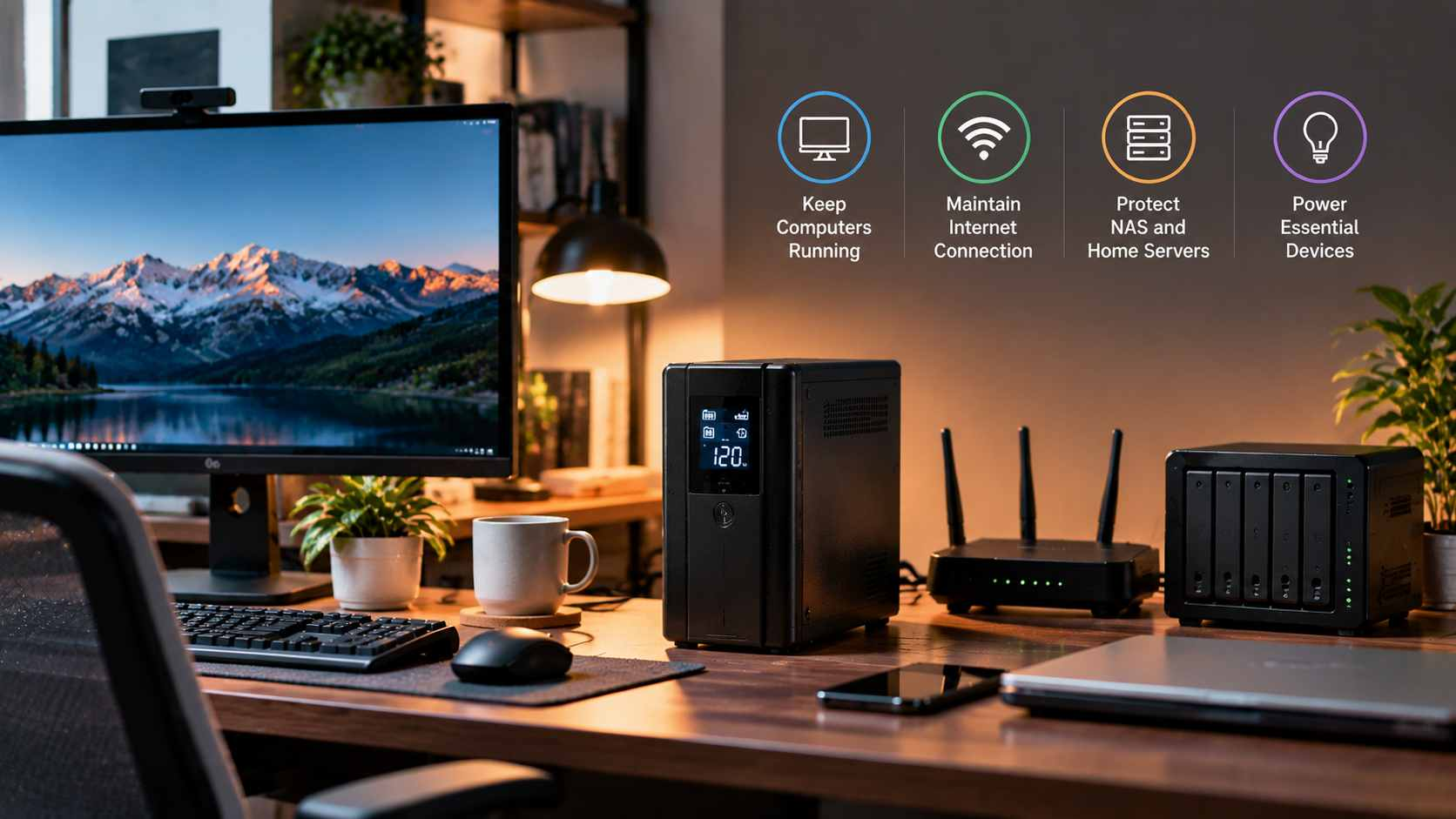
Many Bangladeshi homes use an IPS to keep lights and fans running during load shedding. It seems like enough for a desktop PC as well. However, your computer reacts badly to even tiny power gaps. A fast-transfer offline UPS can fill that small gap safely. This guide explains UPS versus IPS, key buying factors, and smart choices. Power cuts are common here, so good preparation pays off. Read on to protect your files, hardware, and work.
UPS vs IPS Explained
UPS vs IPS is a common question for Bangladeshi computer owners. An IPS usually powers whole-home loads like fans, lights, and televisions. A UPS is built to protect sensitive electronics like computers. Some IPS units switch to battery with a noticeable delay. That delay can restart your PC without any warning at all. A dedicated offline UPS sits between the wall socket and your computer. Treat IPS as home backup and UPS as computer protection. Together, they create a layered power setup for your home.
Why UPS Transfer Time Matters
UPS transfer time is the gap when power switches from mains to battery. A desktop PC power supply can hold power for a very short moment. If the gap runs longer, the PC may suddenly reboot or shut down. A fast-transfer offline UPS aims to switch quickly enough to avoid that. This helps protect unsaved work, ongoing games, and your open projects. Always check the manufacturer’s stated switching time before you buy. Do not assume that every backup device switches equally fast.
Voltage Protection and AVR
Power cuts are not the only risk to your desktop computer. Voltage fluctuation and sudden spikes can also stress internal parts. Some UPS models include automatic voltage regulation, often called AVR. AVR helps keep output steadier when mains voltage rises or drops. Surge protection adds another useful layer against sudden electrical jumps. For heavier setups, an online UPS uses double conversion for steadier, cleaner output. Check each product page for the listed protection features. Stable input also gives your PSU an easier working life.
Choosing the Best UPS for PC
VA, Watt Rating, and Backup Time
Start by checking your desktop PC’s total power draw in watts. Add your monitor and router too if they share the UPS. Then compare that number with the UPS watt rating and VA rating. Leave some headroom so the UPS never runs at its full limit. Battery capacity decides UPS backup time, so larger batteries usually last longer. A gaming PC draws more power, so size up for it carefully. Always follow the manufacturer’s recommended load capacity guidance for safe daily use.
Pure Sine Wave UPS
Output waveform also matters when you connect a desktop PC power supply. A pure sine wave UPS delivers smooth power similar to mains electricity. Simulated sine wave output is usually found in simpler models. Some modern PSUs, especially active PFC types, may work better with pure sine wave. Check your PSU manual or maker’s website for compatibility guidance. If your PC is high-end, pure sine wave may be safer. Always confirm the output type on the product page before ordering.
Which Should You Buy?
For most home desktop users, a fast-transfer offline UPS is a sensible start. Star Tech currently lists dedicated offline UPS models, so compare them first. Heavier or more demanding setups may justify stepping up to online UPS. If you want flexible backup for several devices, consider a portable power station. Compare load capacity, battery size, and output type on each page. Choose the model that fits your budget and your PC’s power draw. Match the backup device to your real daily computing needs.
Where to Buy in Bangladesh
Ready to protect your desktop PC from sudden power loss? Browse the full UPS range at Star Tech to compare available models. Check transfer time, VA rating, watt rating, and battery capacity on every listing. Ask the Star Tech team about warranty and suitable load capacity before paying. Star Tech is a trusted name for computer accessories across Bangladesh. Pair your IPS with a good UPS for safer, smoother computing. Your files, games, and hardware deserve reliable backup power every day.